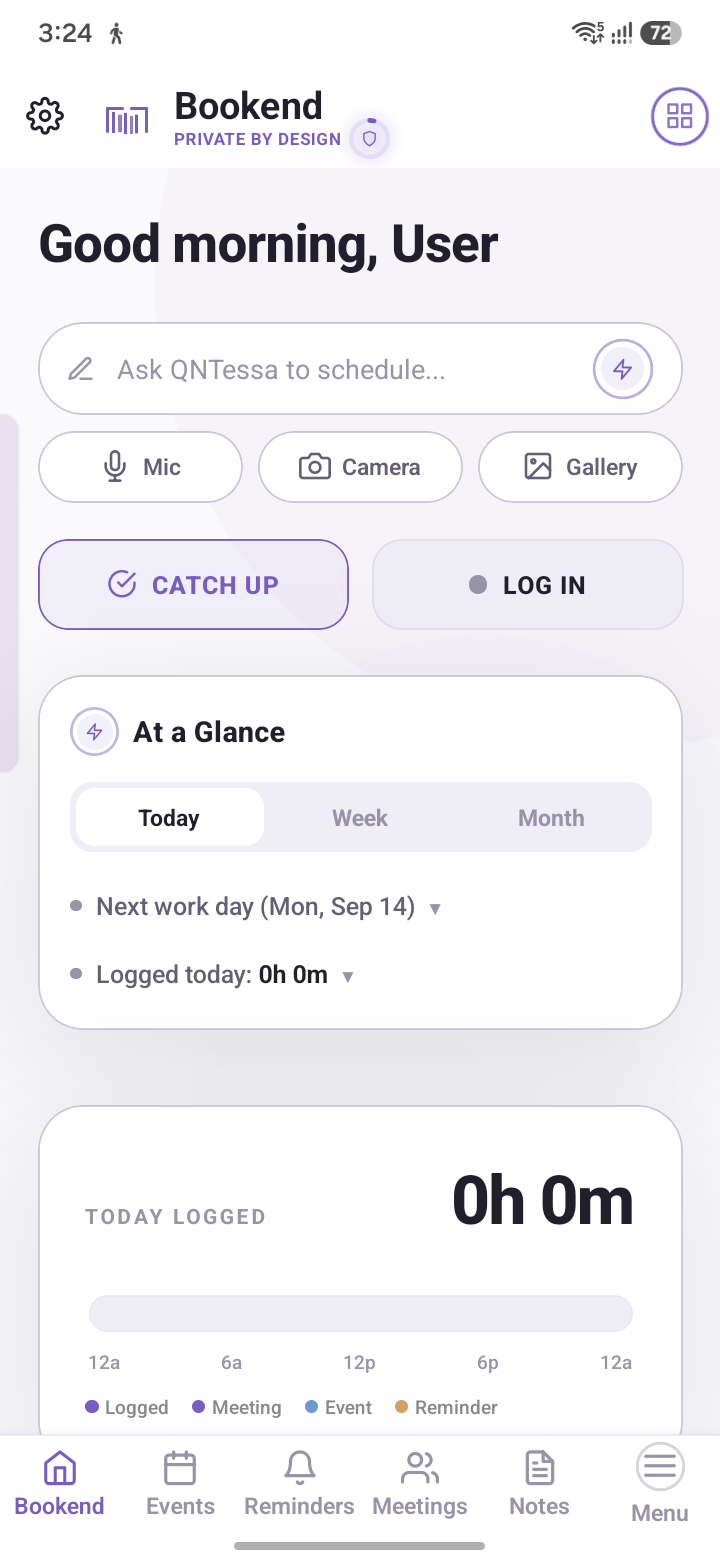
Bookend turns a typed sentence into a scheduled meeting, a reminder, or a note — parsed entirely on your phone, alerted full-screen the moment it's due, and never once sent to a server to make that happen.
"Call with Sarah tomorrow 3pm" becomes a scheduled meeting. "Remind me to renew my passport Friday" becomes a reminder with the right due date. The parser resolves ambiguous times, recurring cadences, and even scanned invite screenshots — all as a pure, local computation, with no round-trip to a cloud NLP API.
Meetings, events and reminders you mark urgent fire a full-screen, lock-screen-aware alert at the exact due time — the same mechanism real alarm-clock apps use, on an exact alarm schedule rather than a battery-saver-friendly "whenever Android gets around to it" one.
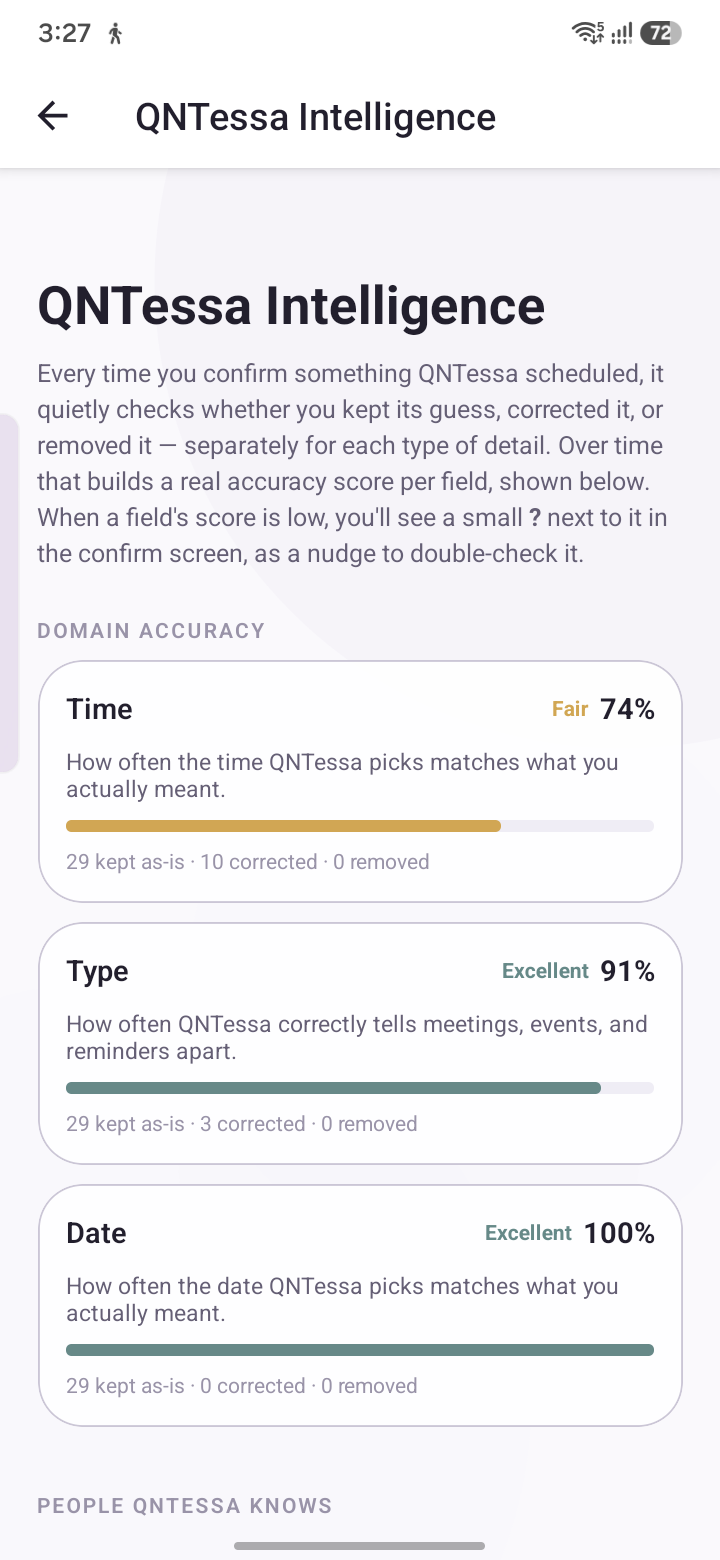
QNTessa is a language model that loads and runs directly on your phone. Ask it about your week and it answers from your own notes and meetings — nothing else, nothing invented. If a fact doesn't literally appear in something you wrote, QNTessa won't claim it did.
Sensitive notes live behind a genuinely separate vault — AES-256 with an independent HMAC integrity check, not a UI-level "hide" toggle. Choose password, biometric, either, or require both: with both-required, the encryption key itself is only ever reconstructable by combining the two, not stored whole behind either alone.
A synonym-aware, typo-tolerant relevance engine — not a substring filter. It knows scheduling vocabulary ("sync" ≈ "meeting", "deadline" ≈ "due"), tolerates a misspelled word, and weights a title match over a buried body match, all computed locally in milliseconds.
A backup file is encrypted client-side — AES-256-CBC with an independent encrypt-then-MAC step — before it's ever written to disk or shared. Restore it on a new phone and everything, including your vault's own lock configuration, comes back intact.
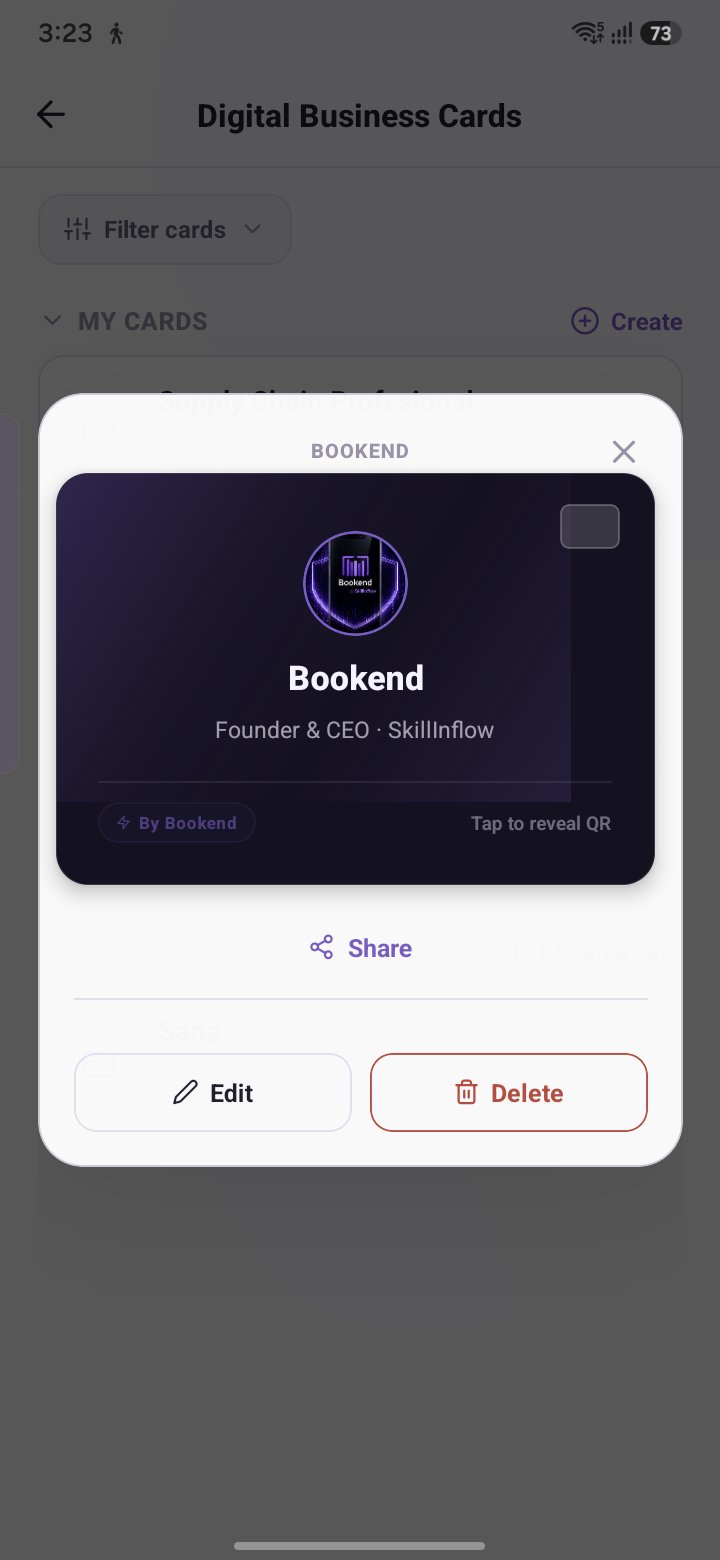
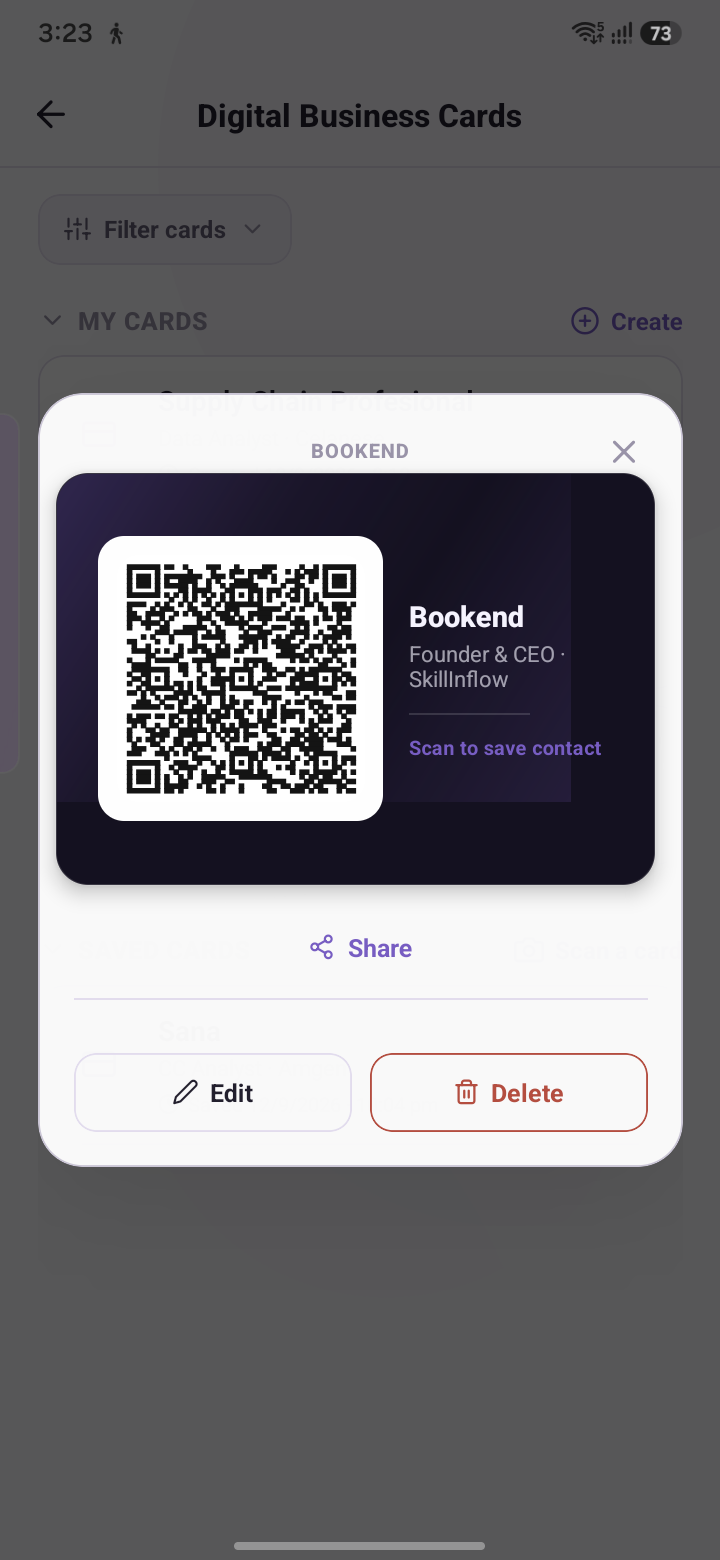
Keep your own digital business card — and the ones you've been handed — in one place. Share yours with a QR code someone scans on the spot; save a card someone shares with you the same way. No new app to install on their end, no printing, nothing to lose in a jacket pocket.
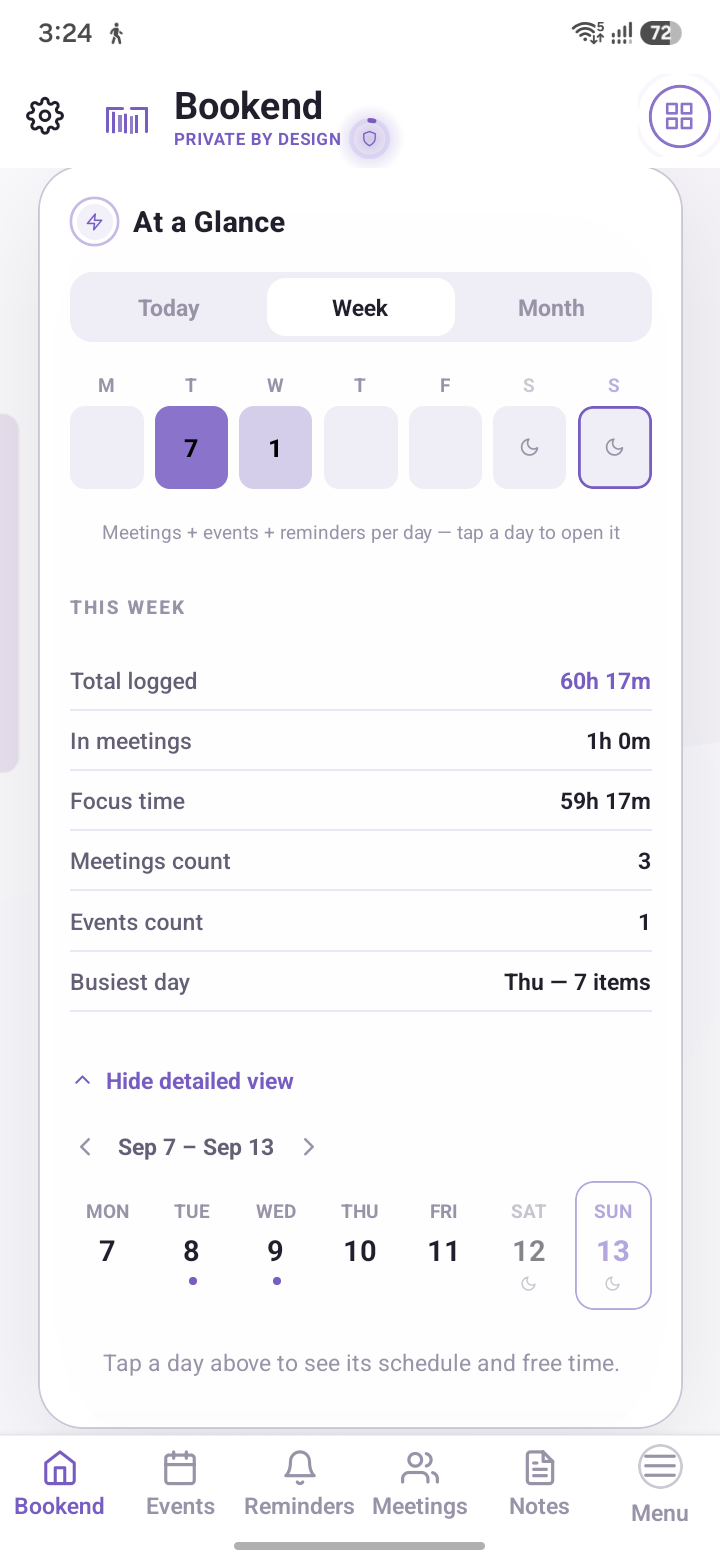
Hours logged, meeting count, focus time, and your busiest day, pulled together without opening each entry one at a time.
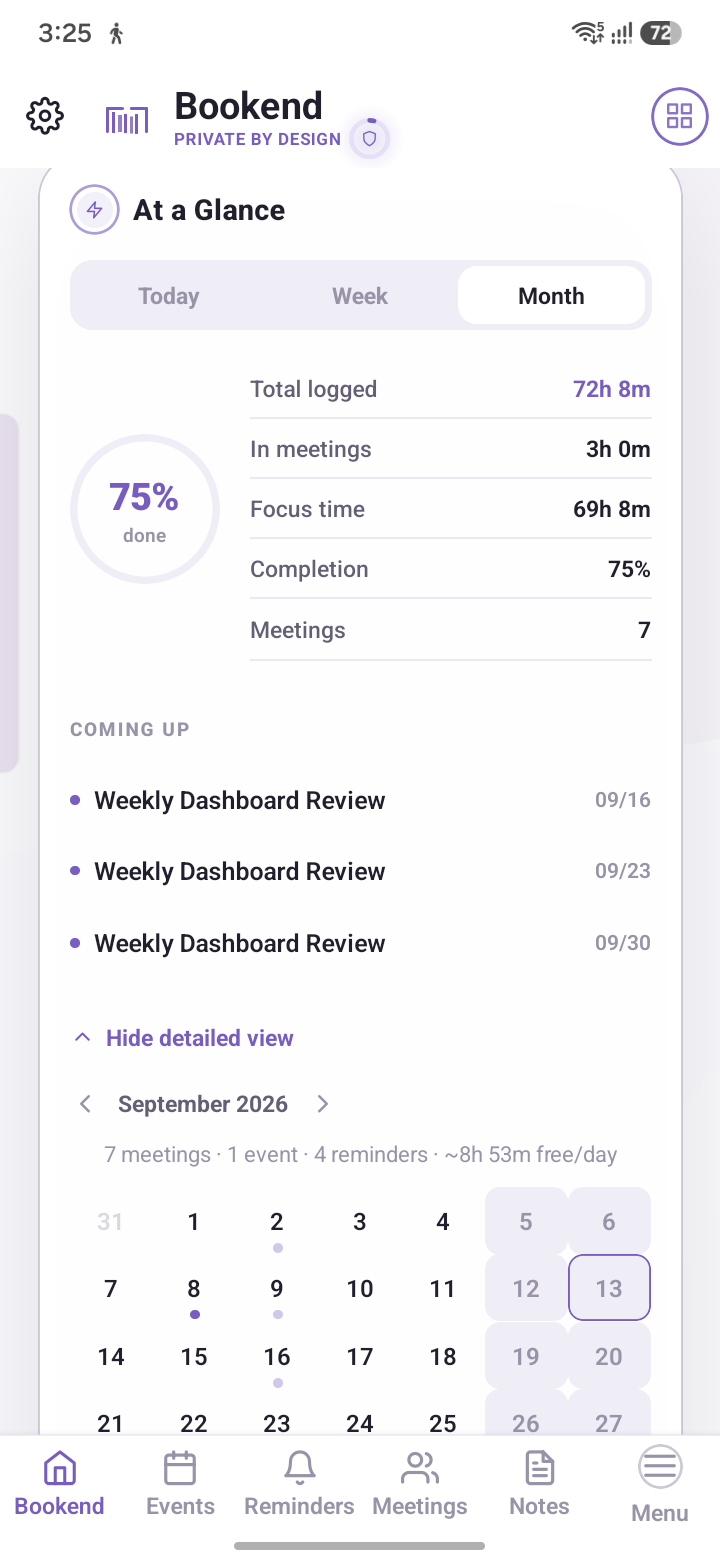
Completion percentage and what's coming up next, laid over a full calendar — the same data as the week view, just a wider lens.
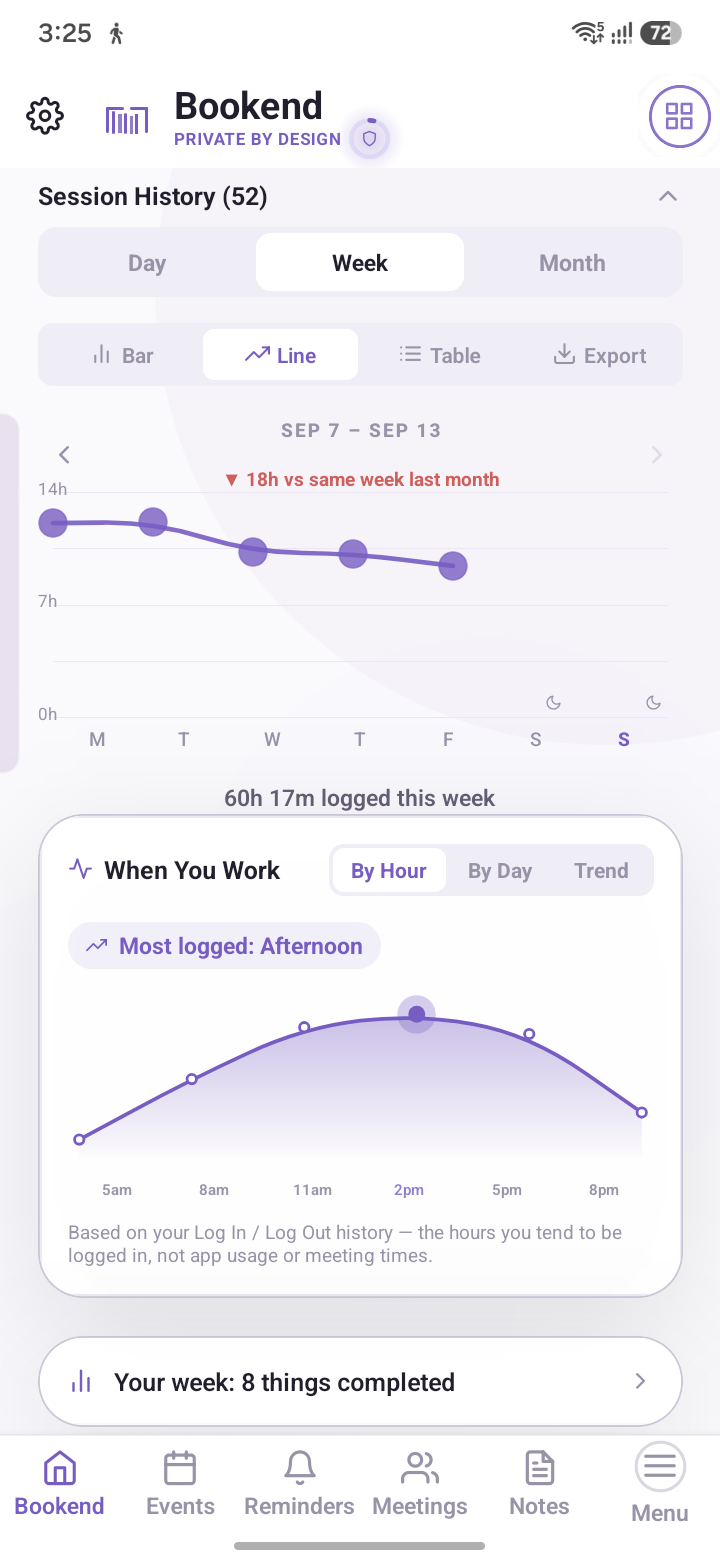
A running log of when you worked and for how long, including how this week compares to last — computed locally from your own activity.
These aren't marketing claims — they're the actual mechanisms, in the actual app, that a security review would look for.
A typical scheduling app with an "AI assistant" bolted on, versus Bookend's actual architecture.
| Capability | Typical scheduling app | Bookend |
|---|---|---|
| Where the intelligence runs | Cloud API call per request | On-device, no network call |
| Data at rest | Often plaintext or server-side only | Encrypted via Android Keystore |
| Due-time alerts | Batched, best-effort tray notification | Exact alarm, full-screen option |
| Works with no signal | Assistant features often degrade | Full functionality offline |
| Backup encryption | Varies, rarely client-side | Encrypted before it leaves the app |
| Ad / tracking SDKs | Common in free tiers | None |
Yes. Scheduling, quick add, search, the vault, and QNTessa all run locally — none of them need a connection. The only things that ever touch a network are things you explicitly trigger, like sharing an exported file.
Whatever you have in an encrypted backup is recoverable on a new device — nothing else. Bookend doesn't keep a server-side copy of your data to fall back on, because it never had one to begin with. Back up regularly.
It's literal, not a stretch: the model's weights are bundled with the app and inference happens on your phone's own hardware. There's no API endpoint involved in answering a question about your schedule, so there's nothing to send.
Bookend is subscription-based, with a 15-day free trial through Google Play. You're not charged until the trial ends, and you can cancel anytime — no hoops.
Not open source today. The encryption and parsing logic are written to be independently auditable, and we're evaluating opening parts of the codebase as the product matures.
Android today. An iOS version is in development, with no fixed timeline — it'll ship when it meets the same bar as the Android app, not before. See the roadmap on the SkillInflow homepage for where that stands.
Available now on Android. Drop your email and we'll send the install link plus early-access notes as new features ship.
Android 8.0 and up. No account required to use the app itself. Prefer email? Reach us directly at support@skillinflow.com.